AI Influencer Generator: Make a Character, Star in the Trend
Build a person or an upright animal, then cast them in the videos everyone is posting.

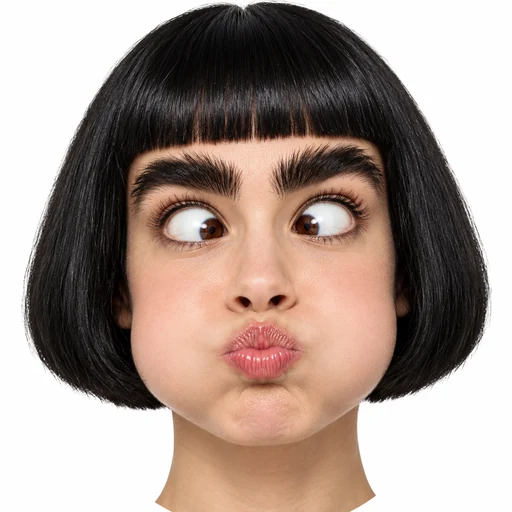
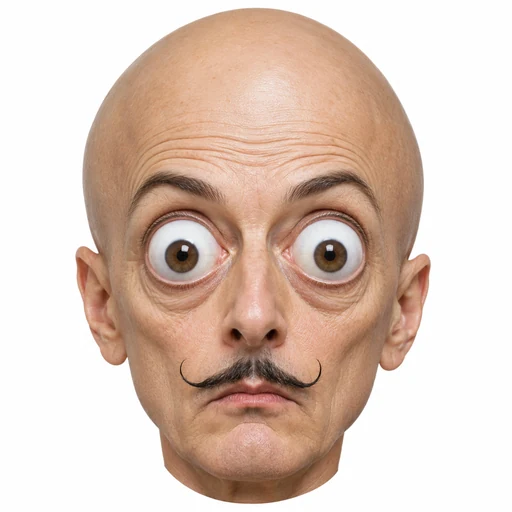
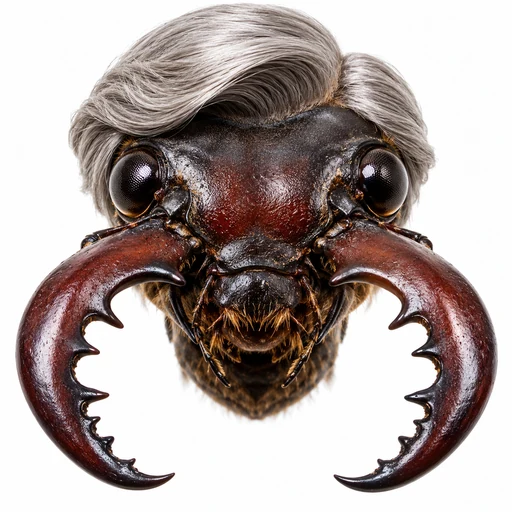
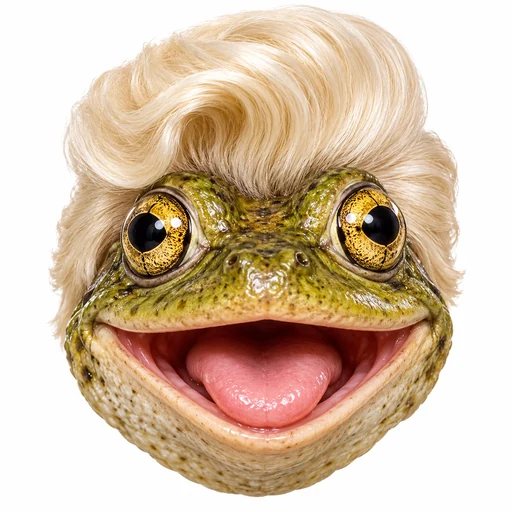
How to create an AI influencer in 3 steps
Pick a type.
Three kinds of people (Natural, Bold, Wild) or six animal characters.
Set the look.
Choose appearance options (or hit Shuffle), add a line about clothes or mood, and add a face reference if you want one.
Cast them.
Each character goes to your library. Then make it the star of a trend template.
AI character generator: three people types, six animals
People
- Natural
- A believable everyday adult.
- Bold
- Stronger features that stand out in a feed.
- Wild
- Dramatically exaggerated looks.
Anthropomorphic animal characters
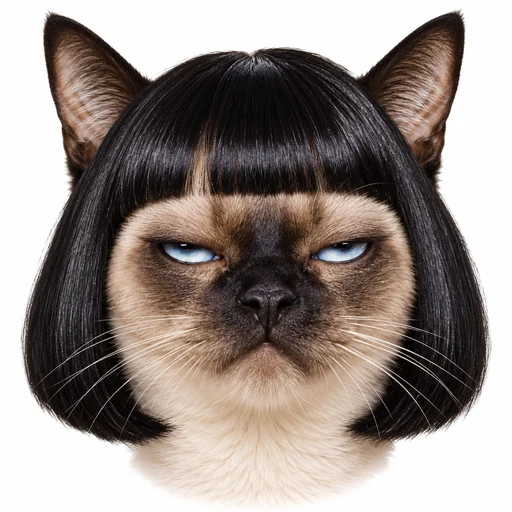
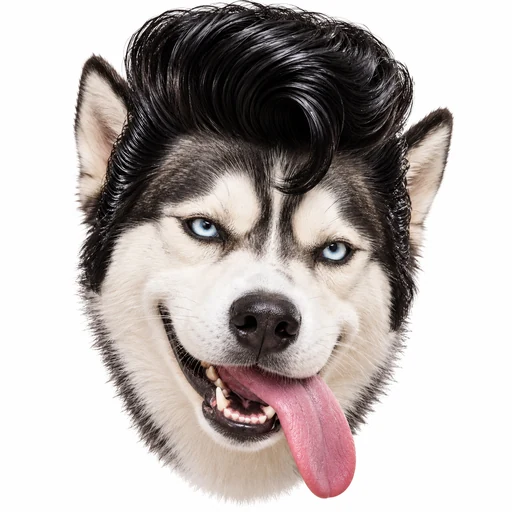
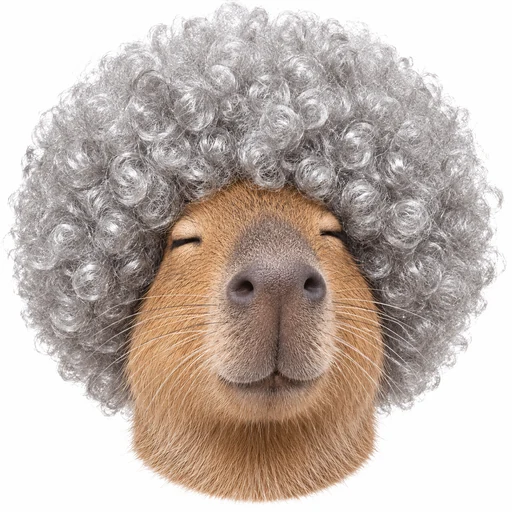
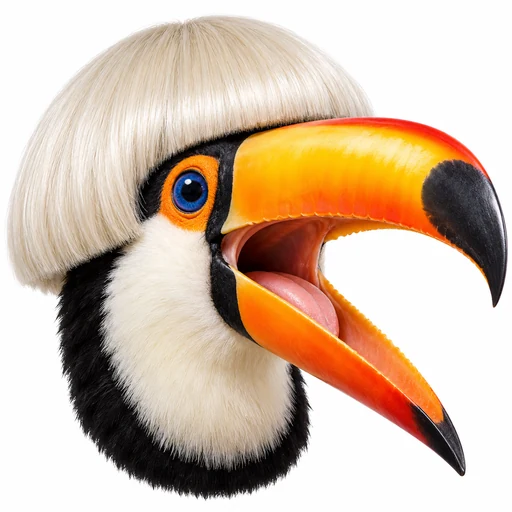
Insect, frog, cat, dog, rodent (think capybara) and bird. Each one stands upright and wears clothes.
Customize your AI influencer
- Appearance options for each type, or hit Shuffle to fill every row at random.
- A short note for clothes, mood or expression, up to 500 characters.
- An optional face reference: one photo of your own face, or of someone who agreed.
- Make one, two or four at a time.
- Every image is a character sheet: a close-up portrait and a full-body shot on white.
Save your characters. Change their outfits.
- Every character goes into your library. Rename it, open it, delete it.
- Outfit changes start from the original image, so the face carries over. Pick a style, accessories and a short clothing note. Each new look is 2 credits.
- Your characters are private to your account.
Put your AI influencer in viral trend videos
On a trend template, sign in and choose Use my AI influencer instead of uploading a photo. Pick the original or any of its outfits. A two-person template? Use a photo for one spot and a character for the other.
Made with care
- Label your posts as AI-generated where a platform asks you to.
- People characters are made as adults.
- No celebrities, no lookalikes of real people.
- Add a face reference only if it's your face, or the person said yes.
FAQ
AI influencer questions
What is an AI influencer generator?
An AI influencer generator builds a virtual character from your choices, so you can use the same character again and again. Some people call it an AI influencer maker or creator. Here you build the character, save it to your library, and cast it in viral meme videos. You choose the look. The generator makes the images.
How do I create an AI influencer?
Pick one of nine types, set the look, and make one, two or four images. Add a short note about clothes or mood if you like. Each finished image is saved as a character in your library.
Can I use my own face?
Yes. Upload one face reference when you create a character. Use your own face, or the face of someone who agreed. We don't keep the photo: it is sent once to our image service to make the character, and that service deletes the upload within 24 hours. Please don't upload a celebrity or anyone who hasn't said yes.
Can I make an animal character?
Yes. Choose from six animals: insect, frog, cat, dog, rodent and bird. Each one stands upright and wears clothes.
How much does it cost?
Each character image costs 2 credits, and so does each new outfit. These are the same credits you use for meme videos. If an image fails, the credits come back.
Can I make an AI influencer video?
Yes, with our trend templates. Pick a template, choose Use my AI influencer instead of uploading a photo, and make your video. It costs the same as a video made from a photo. Free-form clips and talking videos aren't available.
Are my characters private? What isn't allowed?
Your characters are private to your account, and you can delete one once it is made. We don't allow celebrities or lookalikes of real people. If the image service declines a request, the credits come back.